
Finish It Tools
Planners and checklists — the practical side of the wiki.
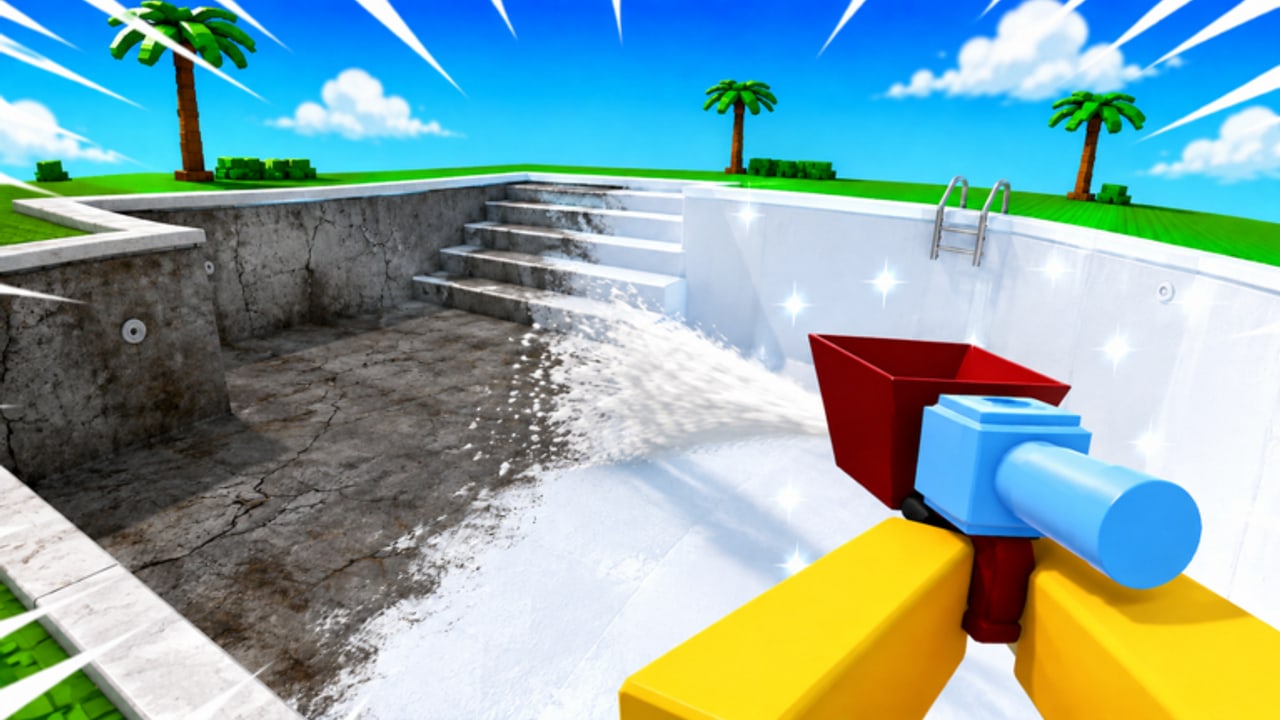
Guides teach the loop. Tools turn the loop into a list you can actually tick. This hub maps four session utilities: the upgrade planner for shop order, the house checklist for rooms, spray and plates for ammo taxes, and turret placement for legal auto-spray. None of these is a Roblox plugin. Keep the tab next to the game.
Upgrade planner
Use it when the shop feels like a slot machine. It copies the tier list into a buy sequence: spray, speed, carry, turrets, gems, comfort, paint, skins. F2P and Robux paths are both on that page so you do not have to open gamepasses and upgrades at once.
House checklist
Use it when you are “working on the house” and somehow still looking at brick two hours later. It follows how to finish the house: exteriors, high walls, interiors, leftovers, pool, paint. Co-op crews can assign rows. Solo players can plant a turret on the longest remaining row — how to plant is on turret placement.
Spray, plates, and turrets
Empty hoppers and tiny plate stacks are the quiet taxes. Spray and plates is the resource checklist (Infinite Spray 199 Robux, Infinite Plates 179). Turret placement is the 249-Robux Infinite Turrets plant guide: neglected faces, pool spans, never doorways. Auto Place scripts are not this tool — see auto farm.
What these tools are not
They are not auto clickers. They are not scripts. They will not redeem codes for you. If you need a mechanical how-to, go back to how to plaster or controls.
Suggested pairing
- New account: getting started + upgrade planner.
- Mid-cash: how to earn money + upgrade planner.
- Completion night: house checklist + co-op roles or solo.
- After a patch: updates then the planner, in case a pass landed.
Print them, screenshot them, or just leave the tab open. The point is to stop improvising every visit. Finish It already asks you to finish something. The tools make sure you finish the right something.
A sample 45-minute session
Minute 0: open the planner, buy one spray or speed rank, close the shop. Minutes 5–25: tick two exterior rows on the checklist while a turret covers the longest face. Minutes 25–35: interior corners the turret cannot see. Minutes 35–45: trowel the turret’s work and paint only if those walls are actually white. That session uses both tools without turning the wiki into another HUD.
If cash is ugly after the shop visit, you skipped how to earn money. If the checklist did not move, you skipped the trowel — go back to how to plaster. Tools do not replace the loop; they stop the loop from wandering.
After Moonrise patches
When updates records a new pass, add it to the planner by function (ammo, walk, carry, auto-work, gems, comfort, look) before you buy because it is new. When a new room appears, add a checklist row above paint. The tools are living documents, not trophies.
Frequently Asked Questions
Quick answers for Finish It players.
Are these in-game tools?
No. They are wiki checklists you use beside Finish It.
Which tool should I open first?
The upgrade planner if you are broke, the house checklist if you are wandering, turret placement if you own Infinite Turrets.
Can co-op teams share the checklist?
Yes. Assign rows in chat using the same room names.
Do the tools replace the tier list?
No. The tier list explains why. The planner tells you what to buy now.