
How to Redeem Finish It Codes
Find the box, paste the string once, and spend the cash on upgrades that matter.
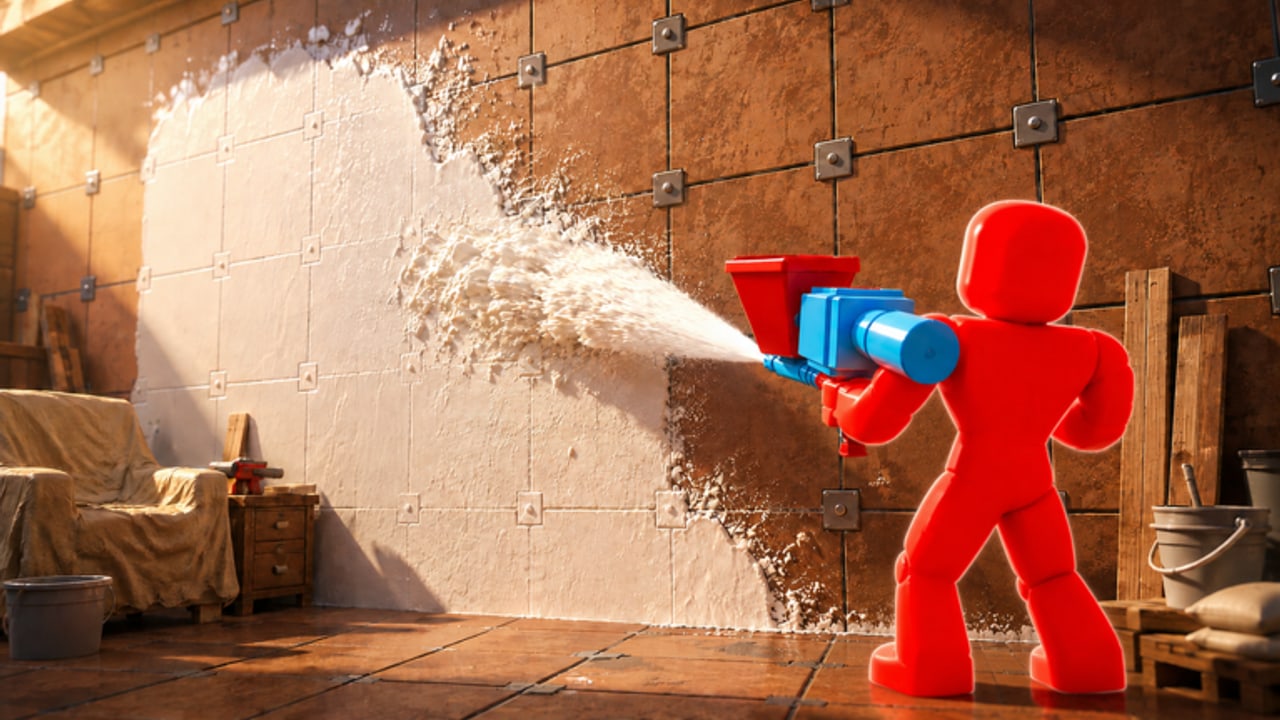
Redeeming a Finish It code is a one-minute job once the developers actually publish one. This page walks the click path we expect from Moonrise Interactive’s UI, the spelling rules that kill most “broken” codes, and what to do when the toast says the string is invalid. Pair it with the live table on codes and the announcement map on where to find codes.
Finish It is a first-person plaster sim, so the HUD is built around tools, not menus. The code button is easy to miss while you are staring at a brick wall. Pause spraying before you open it or you will waste ammo from Infinite Spray (or your finite tank) into the floor.
Before you open the box
- Update Roblox. An old client can hide new HUD buttons after the 2 September 2026 patch.
- Join a server with fewer than 20 players so the UI is not fighting a full house.
- Copy the code from codes rather than typing from memory. Case, underscores, and missing vowels all fail.
- If you are on mobile, switch to a keyboard or paste from the clipboard. Autocorrect loves to turn
UPDATEintoUpdate.
PC redeem steps
- Spawn and wait for the house to stream in.
- Look for a gift, ticket, or Twitter-style button on the left or top of the HUD. Moonrise Interactive titles often park it near shop and settings.
- Click the button, focus the text field, and paste.
- Confirm. A success toast should name the reward (cash, gems, ammo, or a skin).
- Close the panel and open the shop. Spend according to the upgrade planner before you impulse-buy Galaxy Skin.
If you cannot see a code button, it may simply not exist yet. Do not install a third-party “code redeemer” script to hunt for a missing GUI — that is how accounts get logged.
Mobile and console
On phones, rotate to landscape so the shop and code controls are not covered by the joystick. Long-press the field to paste; do not retype. On console, use the on-screen keyboard and disable auto-capitalization if your platform offers it. Codes are almost always all-caps with no spaces.
Touch players should also pin controls — the same thumb that opens the code box is the thumb that fires the hopper gun.
Why a code fails
- Expired. Move on. We shift dead strings to the expired list on codes the same day.
- Already used. Most Roblox sim codes are one-time per account, not per server.
- Wrong game. Finish The Word, Wash The House, and dishwasher-brand results are not this experience.
- Hidden character. A trailing space from a Discord copy will fail. Paste into Notepad first if needed.
- Server desync. Rejoin once. A full 20-player server during a patch can drop HUD events.
What to do with the reward
Cash should follow the same order as a normal session: spray uptime, movement speed, carrying capacity, then paint. That order is ranked on the upgrade tier list. Gems are more scarce — hold them if you are close to a turret or plate upgrade rather than a cosmetic. If a code grants ammo, dump it into a large exterior wall or the pool so the house checklist actually moves.
Co-op groups should redeem on every account before assigning rooms. A friend who forgot the code will fall behind while you are already troweling the second floor. See co-op roles.
Safety notes
Nobody from Moonrise Interactive will ask you to type a code into a Google Form, a Discord DM, or an off-platform “verifier.” The only legitimate box is inside the Roblox experience. If a script offers auto-redeem, read script safety first. A hijacked session can drain gamepasses such as All Gamepasses that you paid real money for.
When a real code finally lands, redeem it, then get back to plaster. The house does not finish itself — unless you bought Infinite Turrets and parked them on a long wall.
Frequently Asked Questions
Quick answers for Finish It players.
Where is the Finish It code box?
Look for a gift or ticket button on the HUD near shop and settings. If it is missing, Moonrise may not have shipped codes yet.
Are codes case-sensitive?
Treat them as case-sensitive and paste exactly. Autocorrect is the usual failure on mobile.
Can I redeem the same code twice?
Almost never. Roblox sim codes are typically one-time per account.
The code worked but I see no cash.
Reopen the shop and check gems or ammo. Some rewards skip the cash counter. Then spend using the upgrade planner.